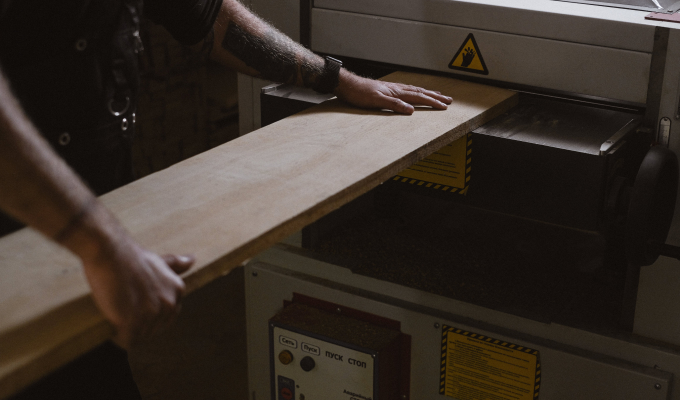



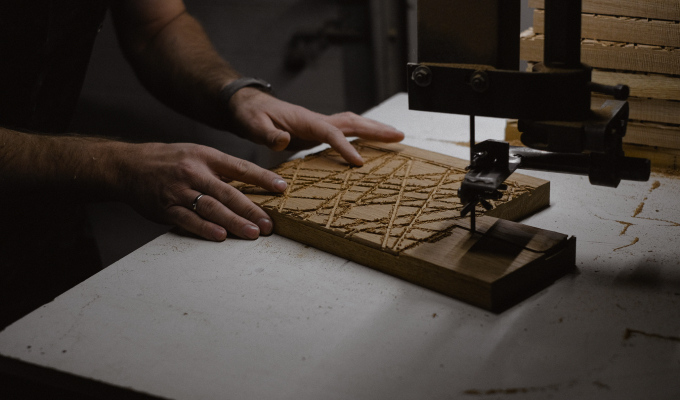
Define the workstation
The real work zone and the events that must be recorded are defined first.
Instant consultation, immediate impact. Why wait?
 Let's dive right into how Iwoscan can reshape your manufacturing pipeline
Our experts are here to guide you through the transformation
No strings attached
Welcome to the Iwoscan!
At Iwoscan, we are more than just a company; we are the pioneers of precision and efficiency, the architects of innovation, and the champions of progress.
Sign in and embark on the journey together!
If you still need to register, we encourage you to create an account and elevate your experience. You'll gain:
- Exclusive access to analytics
- The ability to personalize your experience
- Receive notifications and stay updated
Iwoscan helps record not only the operator task, but also the actual time, activity in the work zone and the part being handled at that moment.
Odoo ERP friendly Built-in task splitting and merging Raw data without distortion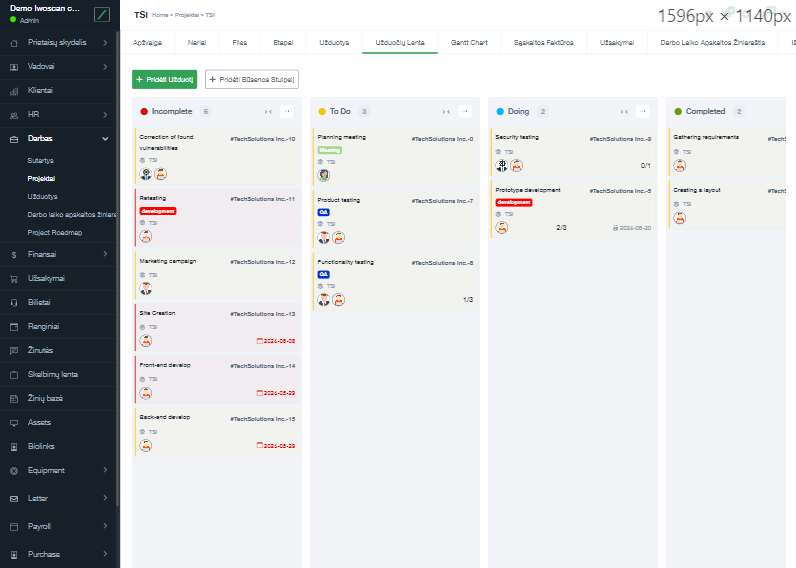
If a manual workstation has no real data, the system does not generate reports; it generates noise. Iwoscan is designed to capture the process facts: what was done, how long it took and which part was being worked on.
A manual workstation does not have to be a blind spot. With the right combination of event recording, sensors and automatic part identification, the process can be measured accurately enough without overloading the operator.
The real work zone and the events that must be recorded are defined first.
The operator or the system links activity to a specific task, operation, part or order.
The system records operation duration, stops, waiting and, when needed, sensor-detected activity inside the work zone.
Zone logic helps avoid counting people or vehicles that pass by but are not part of the operation.
Collected events reveal actual cycle time, load, downtime, errors and the process points worth improving.
The solution is meant for processes that depend on human actions, while the company still needs reliable data about tasks, time, parts and actual workstation activity.

The operator can start, pause and finish assigned tasks at the workstation.

The system stores the actual operation duration, not only the planned standard.

Radar or LiDAR sensors can help define the active workstation zone and register activity inside it.

With a properly defined zone, people or forklifts passing nearby have less impact on the data.

Fixed QR or barcode readers can automatically identify the part or task.

Data is captured at the workstation, reducing manual summaries and later retyping.

Events can be linked to a part, order, operation, operator or work center.

Analytics is based on real events, making it more useful for production improvement.

The system can distinguish active work from waiting, stops or preparation.

The mix of sensors, readers and operator actions is selected for the specific workstation.
Briefly describe the process, equipment and data that is currently missing.
We will explain what can be recorded, which Iwoscan set is suitable and how the data can reach your systems.
Manual input is often delayed, forgotten or simplified. Sensors and automatic reading help verify the facts and reduce guessing.
These sensors can help detect whether activity is happening in a defined work zone and separate workstation activity from unrelated movement nearby.
Yes, if the part or semi-finished item has a QR or barcode, a fixed reader can scan it and link the activity to that object.
Not necessarily. In some workplaces operator actions, barcode readers, radar or LiDAR-type sensors are enough. The right setup depends on the workstation.
More reliable source data. Without it, reports may look clean but still fail to help improve the real process.