
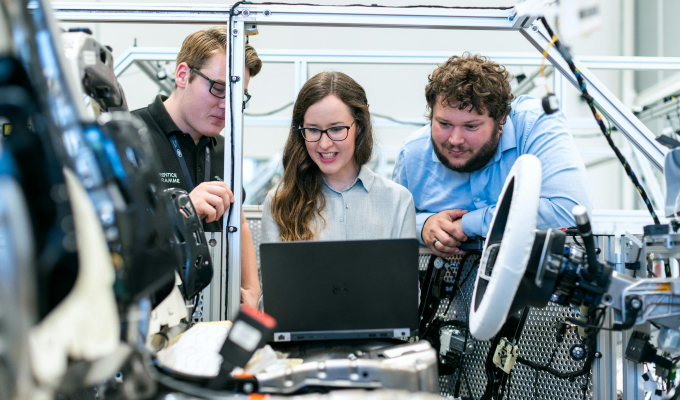




The employee signs in at the workstation
An RFID card or BAR/QR code links the employee to a specific workstation and shift without a lengthy login process.
Instant consultation, immediate impact. Why wait?
 Let's dive right into how Iwoscan can reshape your manufacturing pipeline
Our experts are here to guide you through the transformation
No strings attached
Welcome to the Iwoscan!
At Iwoscan, we are more than just a company; we are the pioneers of precision and efficiency, the architects of innovation, and the champions of progress.
Sign in and embark on the journey together!
If you still need to register, we encourage you to create an account and elevate your experience. You'll gain:
- Exclusive access to analytics
- The ability to personalize your experience
- Receive notifications and stay updated
Iwoscan shows the active job, priority, instructions and progress at the workstation. An employee signs in with an RFID card or BAR/QR code, starts the job and can immediately record downtime, a manufacturing defect or a material shortage. The information reaches the manager without taking the employee away from production to complete lengthy manual reports.
Odoo ERP friendly Built-in task splitting and merging Raw data without distortion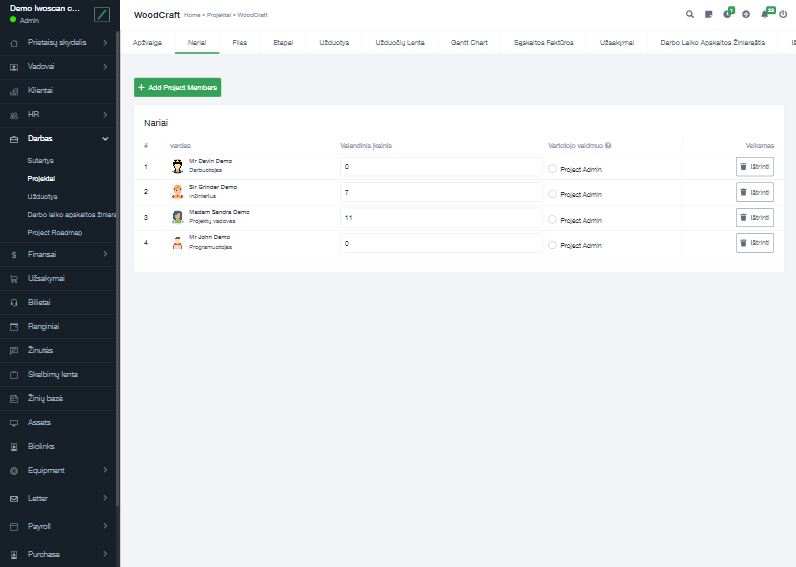
Employee engagement in production starts with clarity and participation: knowing what to do, seeing progress and being able to record an obstacle where it occurs.
Iwoscan does not measure employee engagement with a survey score. It creates a practical flow of information between the workstation and production management.
An RFID card or BAR/QR code links the employee to a specific workstation and shift without a lengthy login process.
The employee sees the job priority, product, planned quantity and, when required, operation instructions or quality requirements.
The system records job status, duration and completed quantity. The employee does not need to copy the same information into a separate report.
The employee selects a downtime cause, manufacturing defect, material shortage or another agreed event. The record automatically includes the time, workstation, job and product.
The manager sees recurring obstacles and can assess the effect of a change. Information submitted by the employee becomes part of process improvement rather than a one-off message.
The aim is not to collect as much data about a person as possible. It is to give employees the information they need and record the process well enough for problems to be resolved.

The current job, priority, remaining quantity and instructions are available in one place.

Sign-in, job start, duration and status are recorded by scanning or automatically according to the process.

An obstacle recorded by the employee is linked to the workstation, job, product and time.

The employee and manager see the same job status, reducing the time spent establishing what has already been completed.

The recorder stores data at the workstation first, so employee sign-in and job recording continue during temporary network interruptions.

Working time, jobs, downtime and other process data can be passed to an ERP, MRP or another production management system.
Briefly describe the process, equipment and data that is currently missing.
We will explain what can be recorded, which Iwoscan set is suitable and how the data can reach your systems.
No. Iwoscan is not an employee sentiment or satisfaction survey system. It records production process events and helps employees receive job information, see progress and report obstacles to their work.
The actions depend on the process. An employee will usually sign in with an RFID card or BAR/QR code, scan the job and then select a cause only when downtime, a manufacturing defect, a material shortage or another agreed situation occurs.
Iwoscan links production events to an employee only to the extent required for working time, job and process records. The team should clearly understand what data is collected, who can see it and how it will be used. The system should not be used for covert surveillance.
A recorded obstacle includes the time, location, job and product. Recurring events can be grouped to identify which problems consume the most time or create the most scrap. After a change, the data can show whether the situation improved.
The first step is to select one workstation and describe the employee actions, information required and obstacles to be recorded. It is also important to agree in advance which data will be visible to employees and managers and how it will be used to improve the process.